Go to Assets – SolitaireTripeaks – Art
Select the PNG file that you want to change
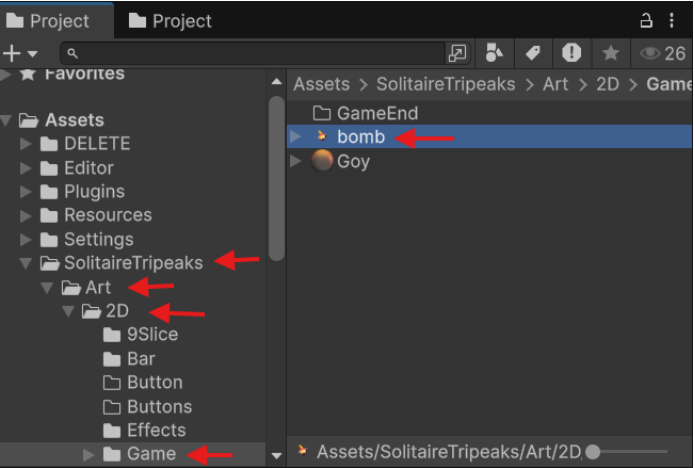
Note: You can do this for all PNG files
Open Sprite Editor
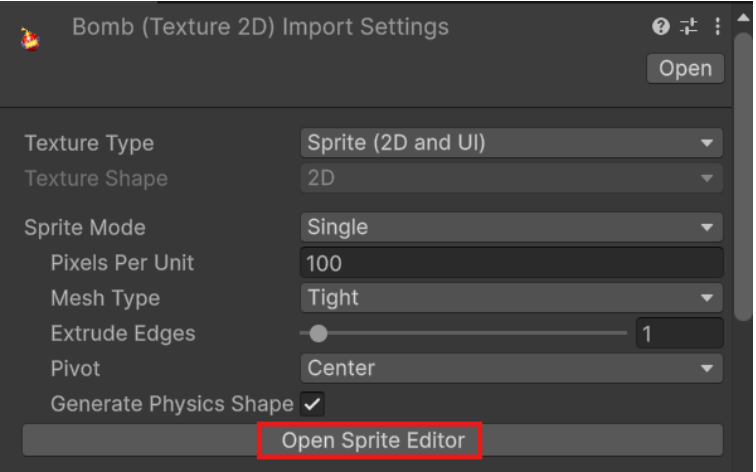
Now you can edit image
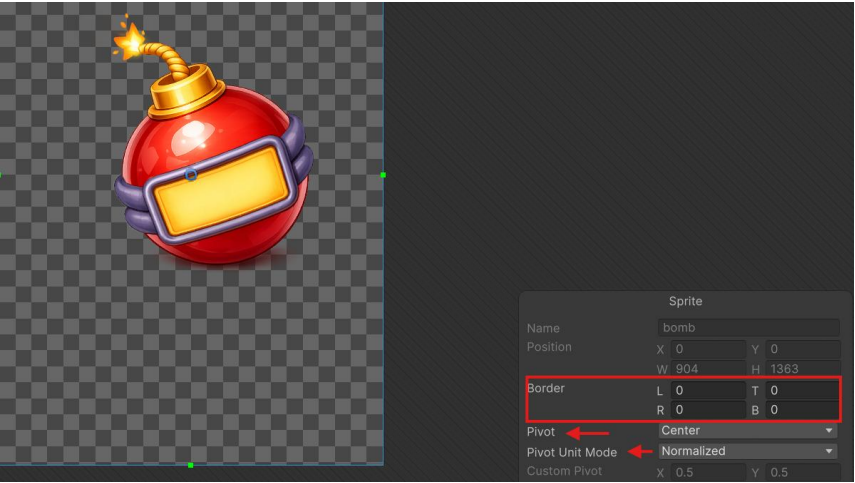
Save your image in PNG format
Example: if you want to change the logo, drag and drop your PNG file in project.
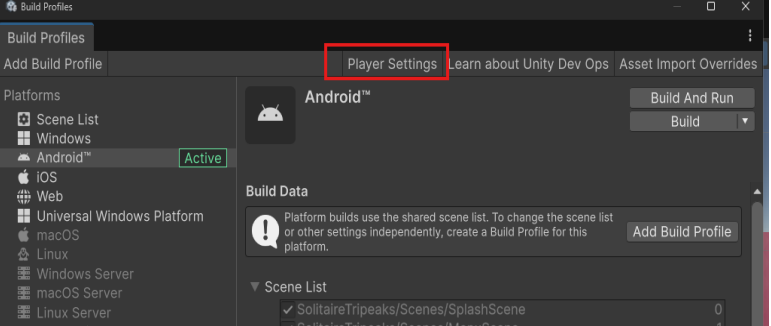
File – Build Profiles
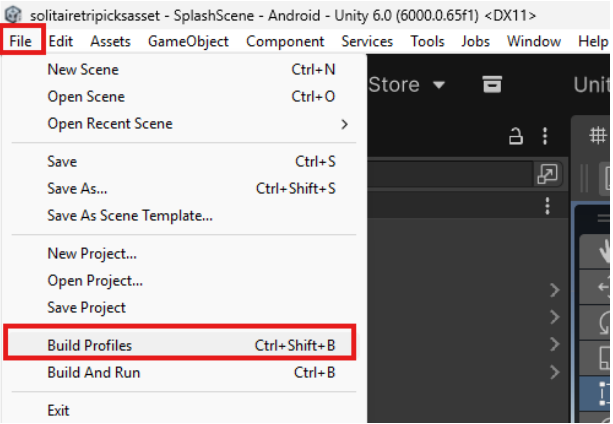
Go to player settings
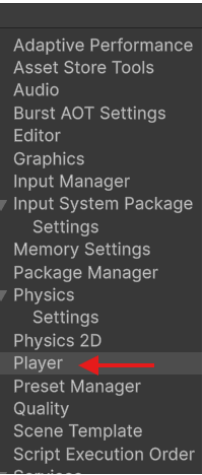
Select player
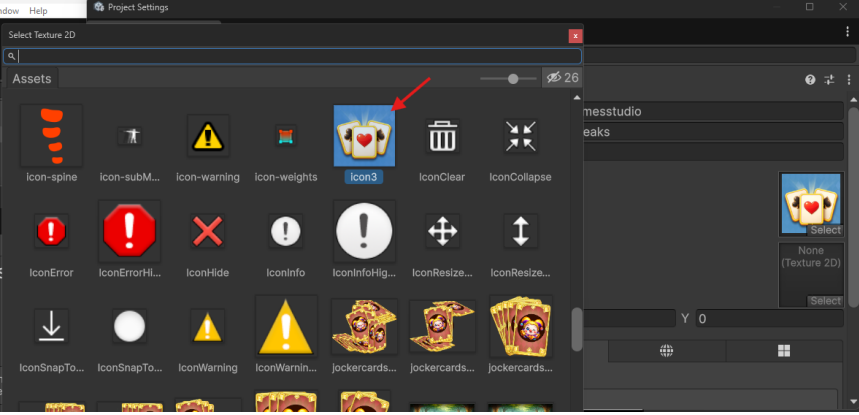
In default icon section hit select

Search for your picture and select it
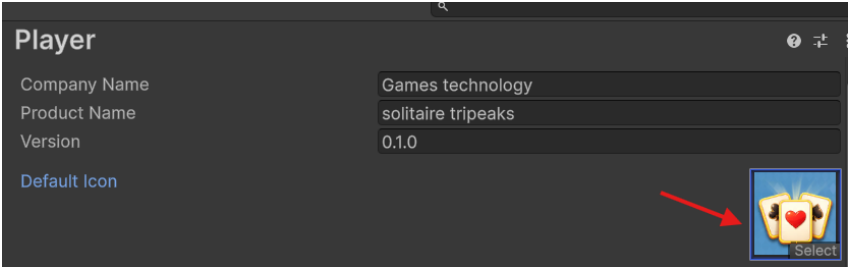
Now you have new logo
To change the boosters or power-up icons, find the object and replace its image in the Image section with your custom image. Make sure your image is first added to the Sprites folder.
Change Splash Screen
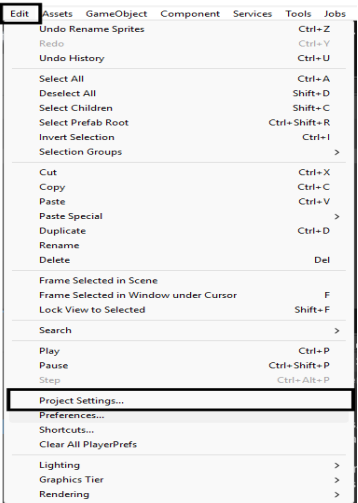
Edit – Project Setting
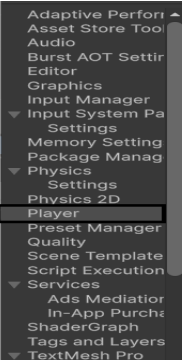
Select player
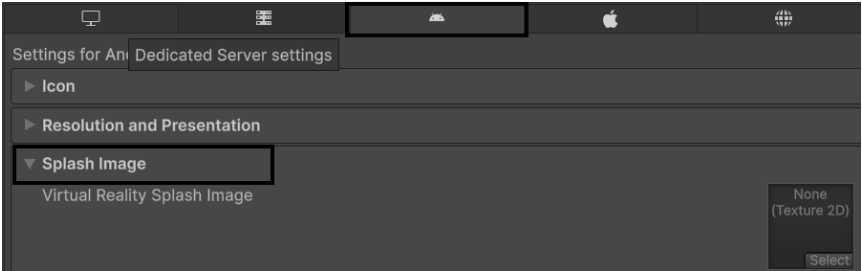
Go to splash Image section and make sure you are on the
android tab
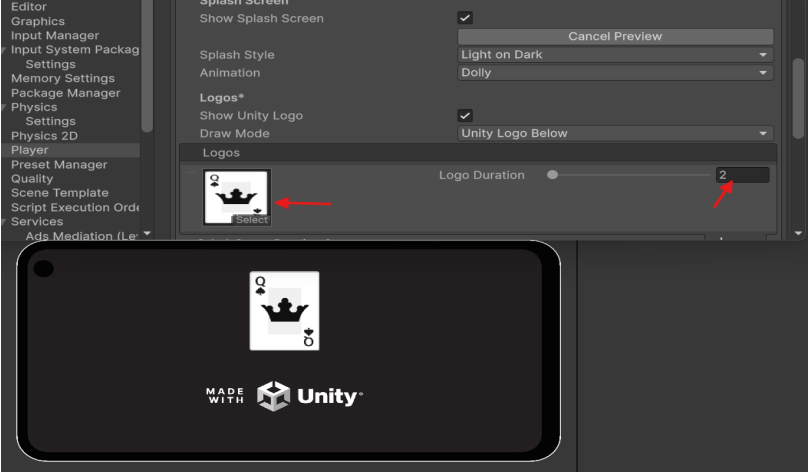
Scroll down and in logos hit the plus sign

Select your image and set the duration time

You can test it by click on preview button
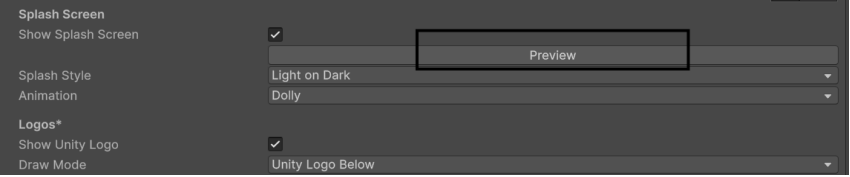
For splash screen background you need to set the background image
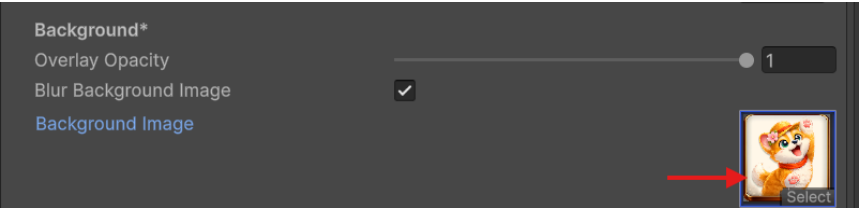
you can also customize other splash screen settings