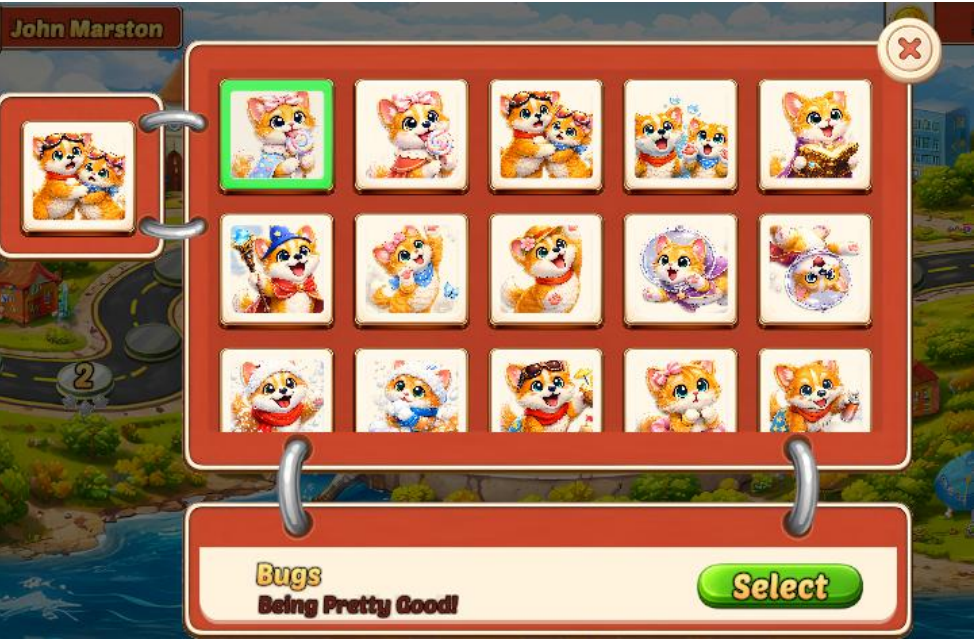
In the Profile section, you can change your avatar by selecting from the available preset icons.
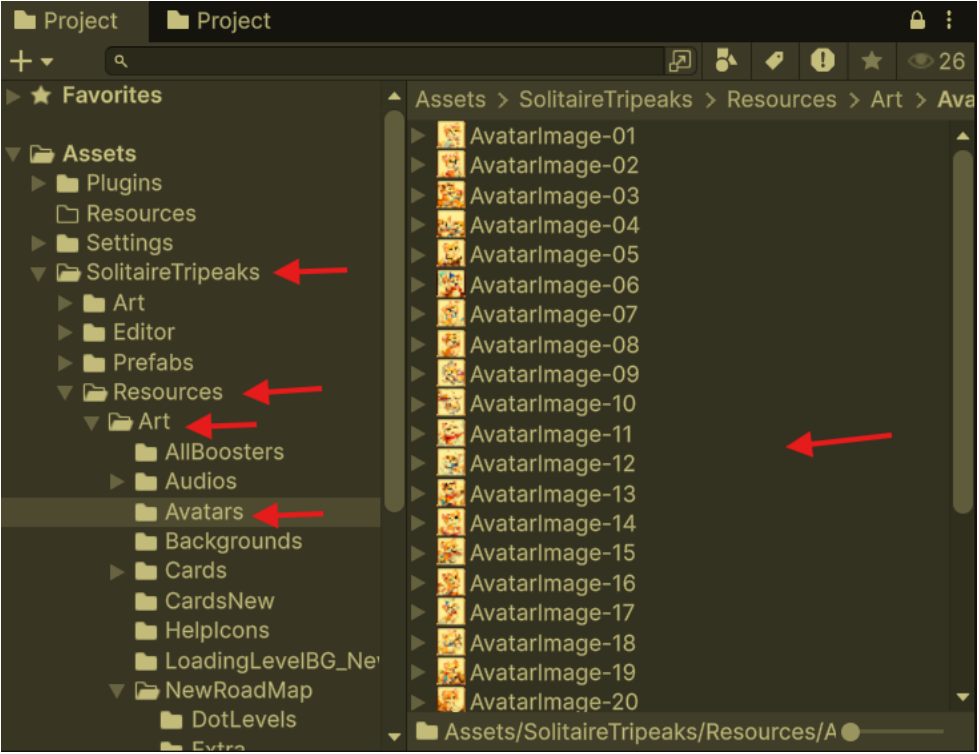
You can also add new avatars to the avatar collection, allowing you to expand and customize the available options in the future.
To add new avatars, simply place your image files in the
following folder: SolitaireTripeaks/Resources/Art/Avatars/
Once added, the new avatars will automatically become
available in the avatar selection section.